87% off ends soon!
 Subscriber Search Is Now Up To 12x Faster
By Sean Tinney March 3, 2026
Subscriber search and management just got a major upgrade. Searches are up to 12x faster, profiles show more of what you need to act on, and you can share what you find with your team in one click.
Find Subscribers Faster
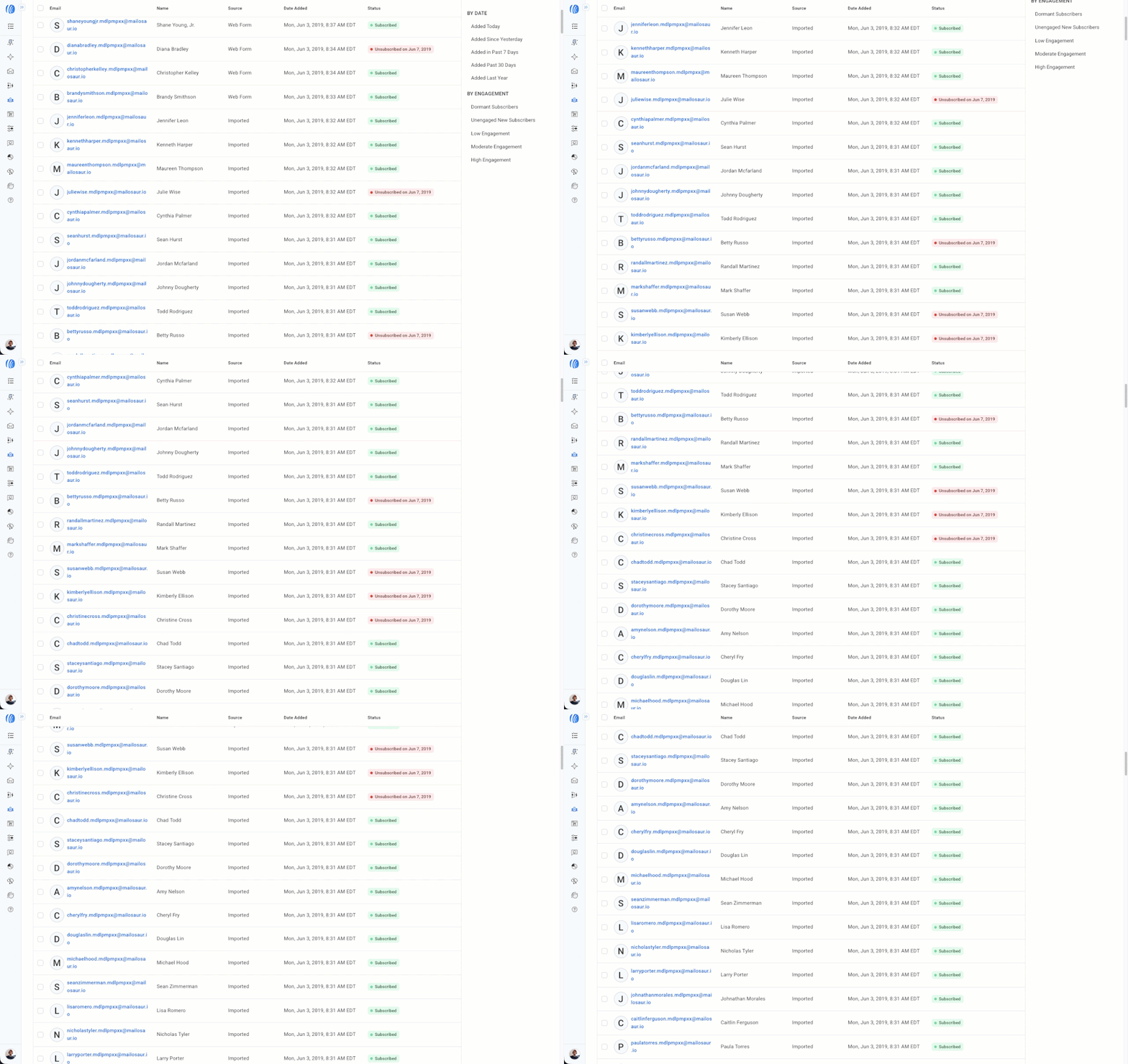
Infinite scroll lets you move through your entire list in one continuous view. Tag, review, or update contacts without losing your place.
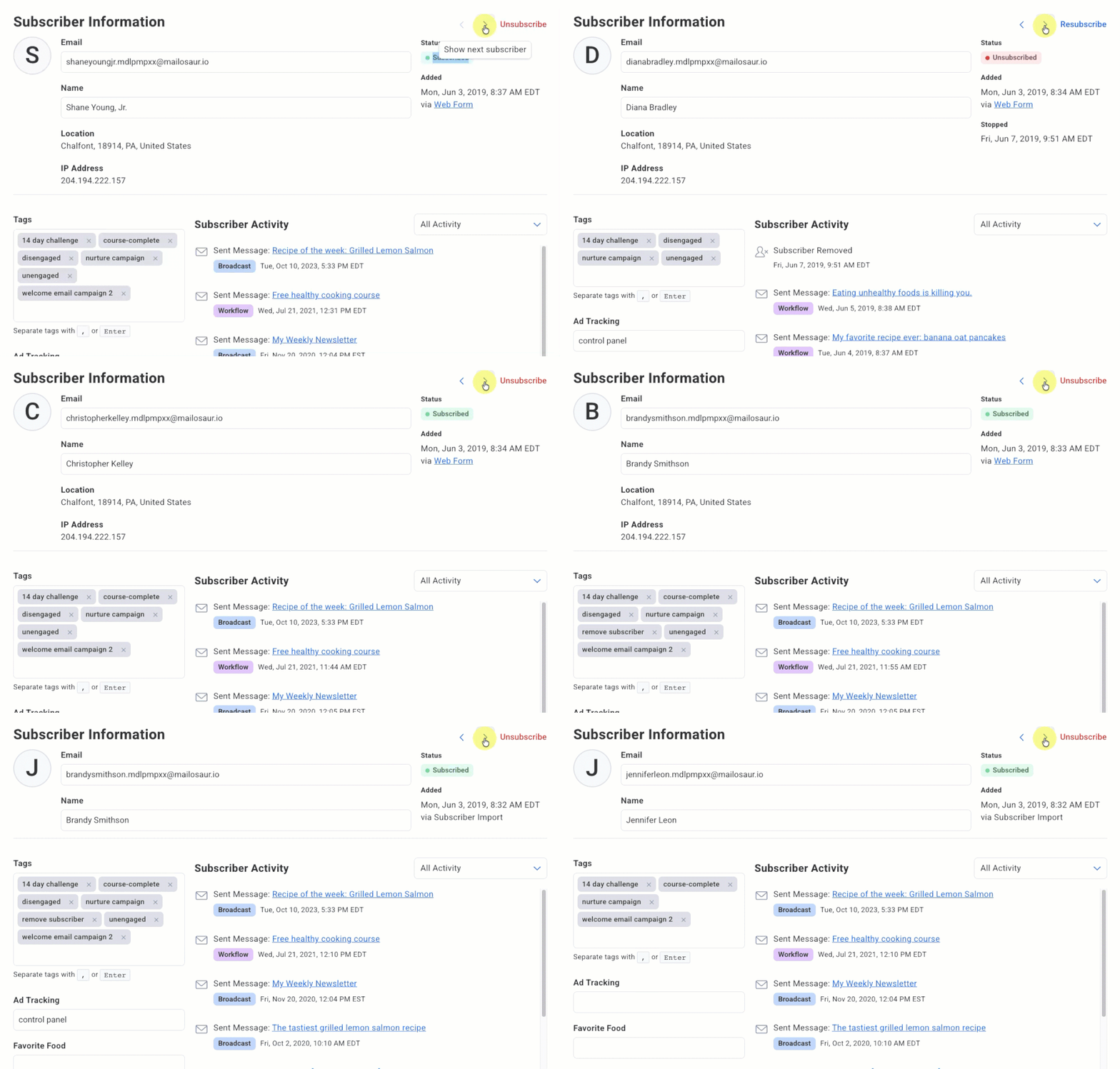
Keyboard navigation means you can arrow through profiles, review, move on, and come back without leaving your search results.
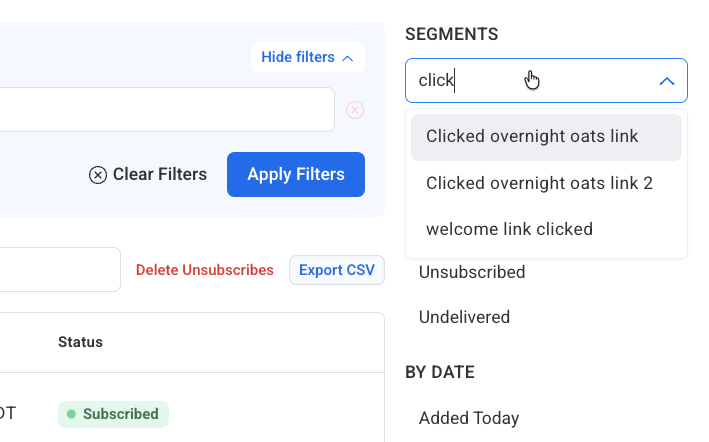
Searchable segments show matching results as you type, even if you have hundreds saved.
See More on Subscribers
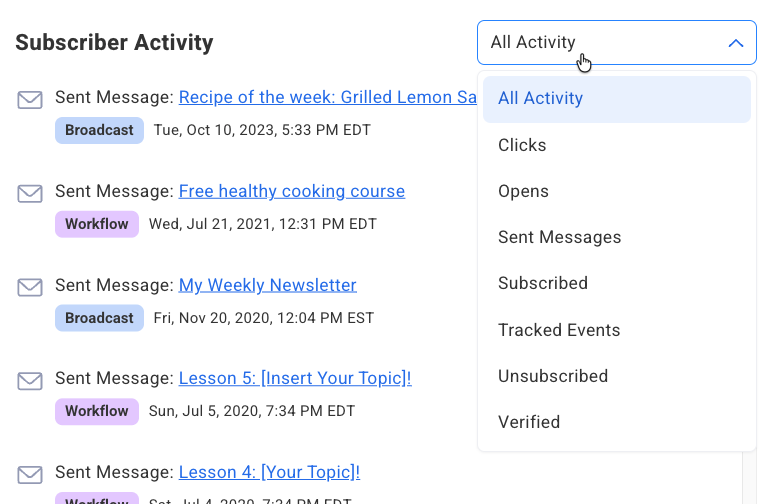
Activity filtering gives you a focused view of any subscriber’s history. Filter by opens, clicks, sent messages, subscriptions, and more to see exactly the signal you’re looking for.
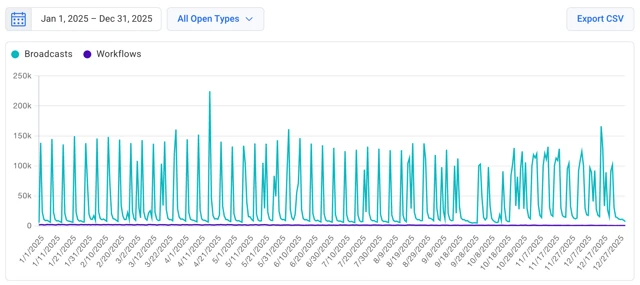
Up to 12 months of data in reports. Open, click, and sale activity now spans a full year in your reports, giving you a longer view of how engagement trends over time.
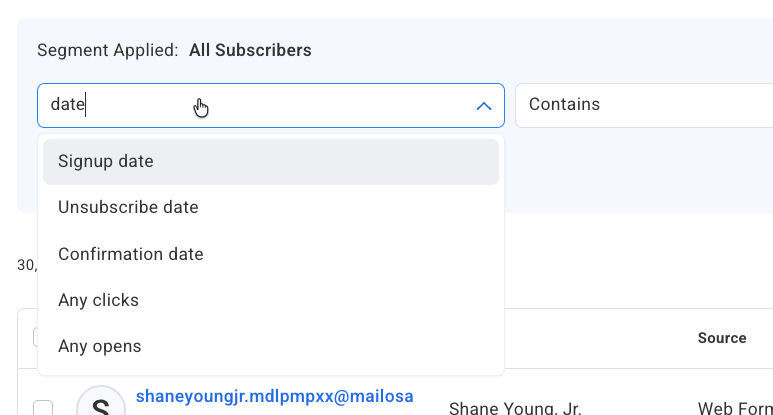
Improved search builder with type-ahead shows matching criteria as you type. Find any field, including custom fields, in seconds without scrolling through the full options list.
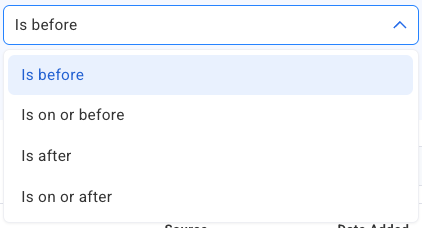
New date search options give you precise control over time-based filters. Valuable for recency-based segments and event-driven campaigns.
Newest subscribers first. Your most recently added subscribers appear at the top of search by default, so reviewing new signups is always the first thing you see when you open the page.
Share What You Find
Copy the URL of any search, segment, or subscriber profile and send it directly to a team member. Here’s how to add team members to your account.
It’s Live in Your Account Now
Log in and try a search. You’ll notice the difference immediately.
New to building segments? This guide walks through the basics. And if you want to do more with your subscriber data, these segmentation strategies are a good next step.