Gmail automatically hides any part of an email that exceeds 102 KB. When that happens, subscribers see a “Message clipped” link and most don’t click it. They assume the email ended.
What’s often hidden in that clipped section: your tracking pixel and links. That means your open and click counts can come back lower than reality, with no indication why.
AWeber shows you the size of your message as you write, and flags any sent broadcasts that were large enough to be clipped.
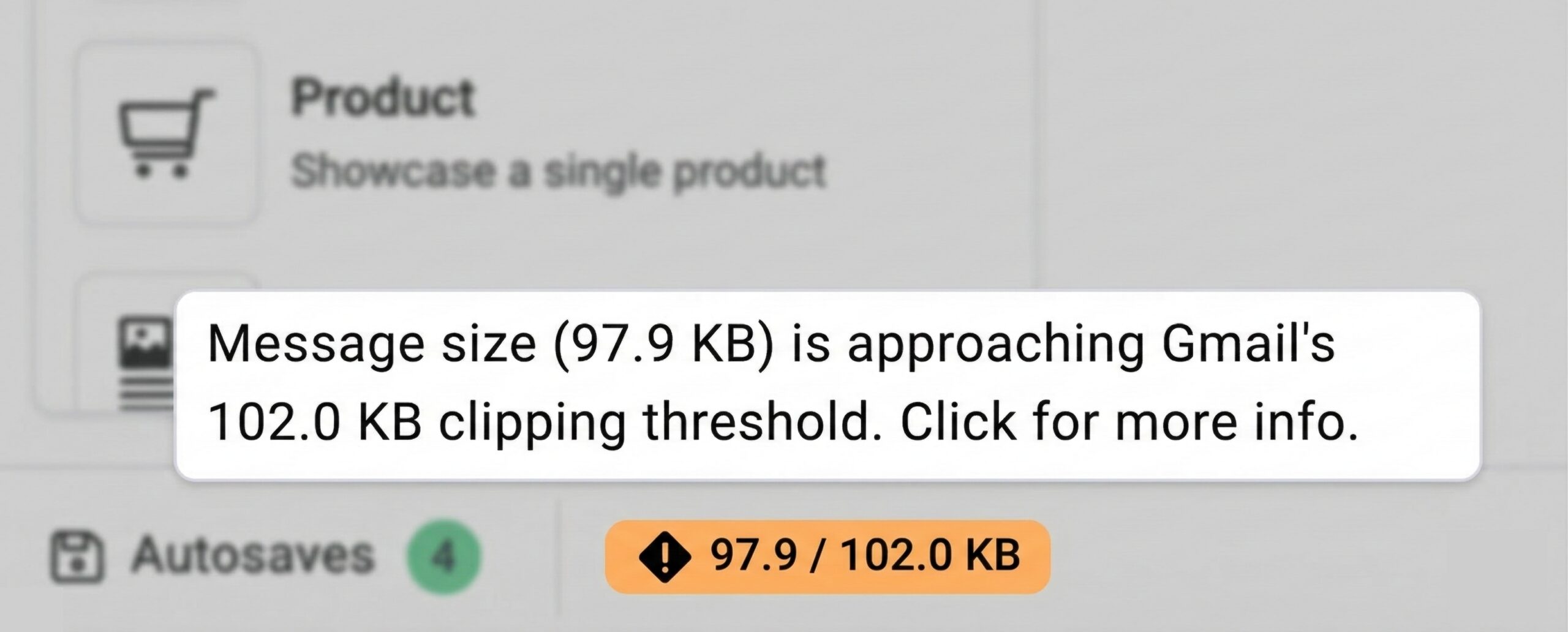
A size indicator while you’re writing
The message editor shows a live size indicator in the footer as you create your email. If your message approaches Gmail’s 102 KB threshold, you’ll see it in time to trim.
Most emails won’t come close, this mainly affects very long or heavily styled messages. But when it does matter, you’ll know before your subscribers do.
A clipping indicator in Quickstats after you send
For sent emails, Quickstats shows a clipping indicator next to your open and click stats for any broadcast large enough to be clipped by Gmail.
If your stats on past emails look low, check Quickstats. It works retroactively, so historical sends are flagged too, not just new ones. And for A/B tests, each variant is evaluated independently — one might be fine while the other isn’t.
Other things you’ll never have to worry about
Broken links. Images that won’t load. An email that looks perfect on your screen and broken in someone else’s inbox. Sending before you’ve seen how it actually looks.
When you use AWeber, all of it is handled. You just write the email.
Automatic link checks
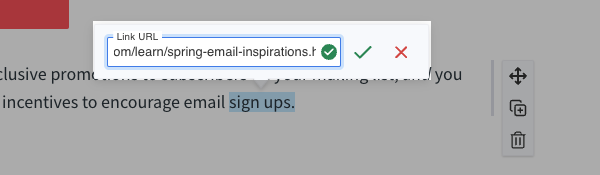
Typos and outdated URLs are easy to miss and they kill clicks. When you add a link in the editor, AWeber checks that URL for you. If something looks off, you’ll see an error before you send.
Preview and test sends
Before you schedule a broadcast, you can preview your email and send a test email to your own inbox. That way you can see how it looks on desktop and mobile, click every link, and fix anything that doesn’t feel right.
Subject line and preview text helpers
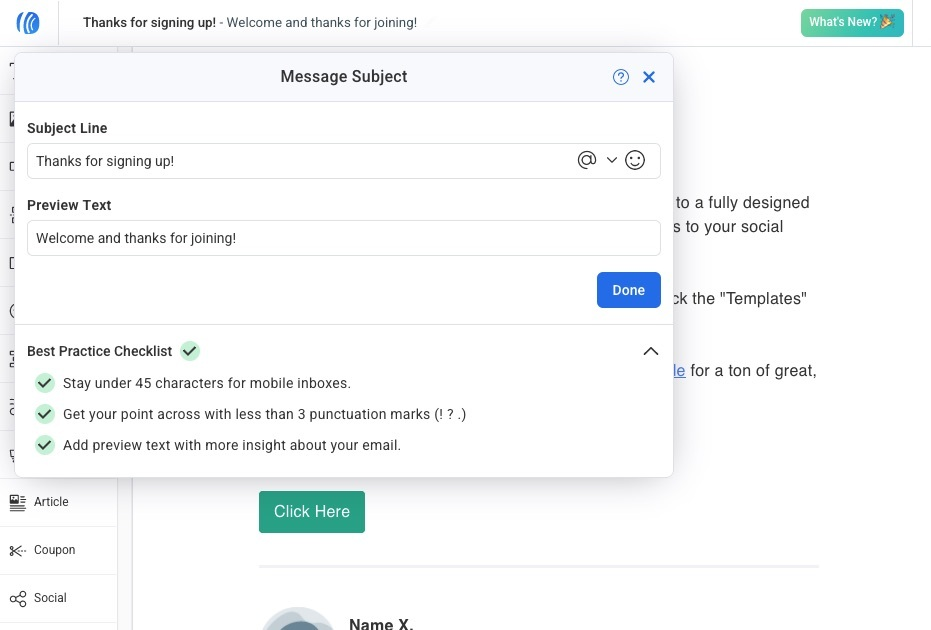
Getting opened starts with a clear subject line and preview text. AWeber gives you a focused editor with best‑practice tips and optional AI suggestions, so you can keep things short and scannable.
Optimizes images for faster loading
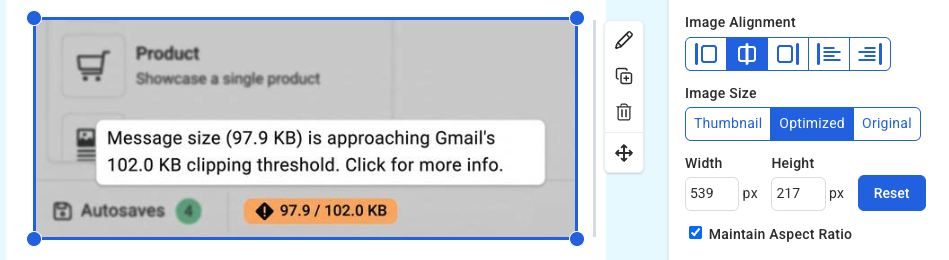
AWeber optimizes your images automatically when you upload them. That makes your emails faster to load.
Send with confidence
We’re helping you know when Gmail might get in the way, before it’s too late to do anything about it.
Write your next email in AWeber knowing you’ll have a heads-up if Gmail intends to clip the bottom of your message.
Gmail automatically hides any part of an email that exceeds 102 KB. When that happens, subscribers see a “Message clipped” link and most don’t click it. They assume the email ended.

What’s often hidden in that clipped section: your tracking pixel and links. That means your open and click counts can come back lower than reality, with no indication why.

AWeber shows you the size of your message as you write, and flags any sent broadcasts that were large enough to be clipped.

A size indicator while you’re writing

The message editor shows a live size indicator in the footer as you create your email. If your message approaches Gmail’s 102 KB threshold, you’ll see it in time to trim.

Most emails won’t come close, this mainly affects very long or heavily styled messages. But when it does matter, you’ll know before your subscribers do.

A clipping indicator in Quickstats after you send

For sent emails, Quickstats shows a clipping indicator next to your open and click stats for any broadcast large enough to be clipped by Gmail.

If your stats on past emails look low, check Quickstats. It works retroactively, so historical sends are flagged too, not just new ones. And for A/B tests, each variant is evaluated independently — one might be fine while the other isn’t.

Other things you’ll never have to worry about

Broken links. Images that won’t load. An email that looks perfect on your screen and broken in someone else’s inbox. Sending before you’ve seen how it actually looks.

When you use AWeber, all of it is handled. You just write the email.

Automatic link checks

Typos and outdated URLs are easy to miss and they kill clicks. When you add a link in the editor, AWeber checks that URL for you. If something looks off, you’ll see an error before you send.

Preview and test sends

Before you schedule a broadcast, you can preview your email and send a test email to your own inbox. That way you can see how it looks on desktop and mobile, click every link, and fix anything that doesn’t feel right.

Subject line and preview text helpers

Getting opened starts with a clear subject line and preview text. AWeber gives you a focused editor with best‑practice tips and optional AI suggestions, so you can keep things short and scannable.

Optimizes images for faster loading

AWeber optimizes your images automatically when you upload them. That makes your emails faster to load.

Send with confidence

We’re helping you know when Gmail might get in the way, before it’s too late to do anything about it.

Write your next email in AWeber knowing you’ll have a heads-up if Gmail intends to clip the bottom of your message.

Log in and check Quickstats on your last broadcast →
 87% off ends soon!